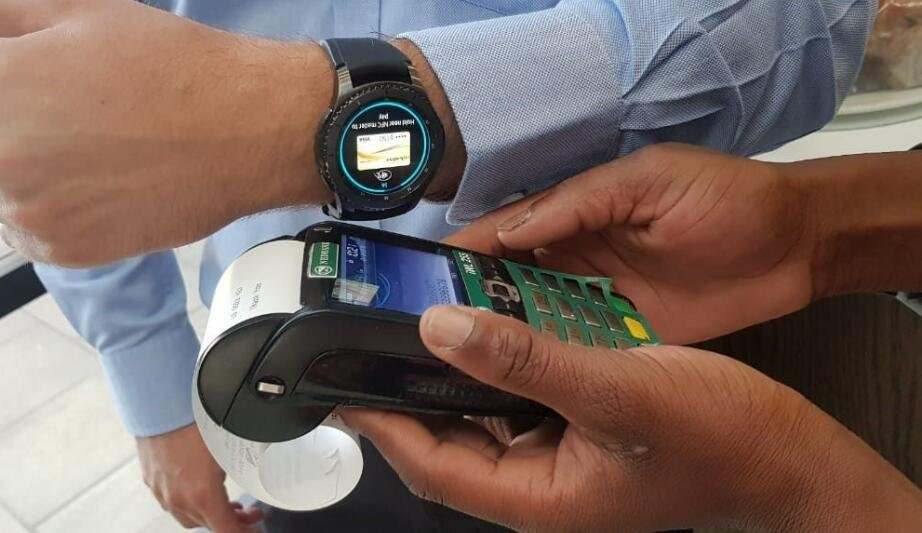
Learn how to use a smartwatch for contactless payments in Pakistan with step-by-step setup, supported banks, and expert tips.
Smartwatches in 2026 have evolved into full-blown lifestyle companions. Sure, they track ECG monitoring, Heart Rate Variability (HRV), SpO2, and advanced Bio-sensors — but one feature that’s quietly transforming everyday life in Pakistan is contactless payments.
Look, I’ve worn devices like the Samsung Galaxy Watch 8 and the Apple Watch Series 11 for two weeks straight so you don’t have to guess. And here’s the real talk: using your smartwatch to pay is insanely convenient — but in Pakistan, it requires a bit of smart setup.
In this expert guide from wearfit.xyz, we’ll break down exactly how to use a smartwatch for contactless payments in Pakistan, including what works, what doesn’t, and how to optimize your setup.
Why Contactless Payments Matter in Pakistan (2026)
Pakistan’s digital payment ecosystem is growing fast, driven by:
- NFC-enabled POS terminals in urban areas
- Mobile wallets and fintech apps
- Banking digitization initiatives
- Government push toward cashless economy
While smartphones are already widely used, smartwatches take it a step further:
- Faster checkout
- No need to pull out your phone
- Secure authentication via PIN/biometrics
And yes, all while your watch continues tracking HRV, SpO2, and fitness data in the background.
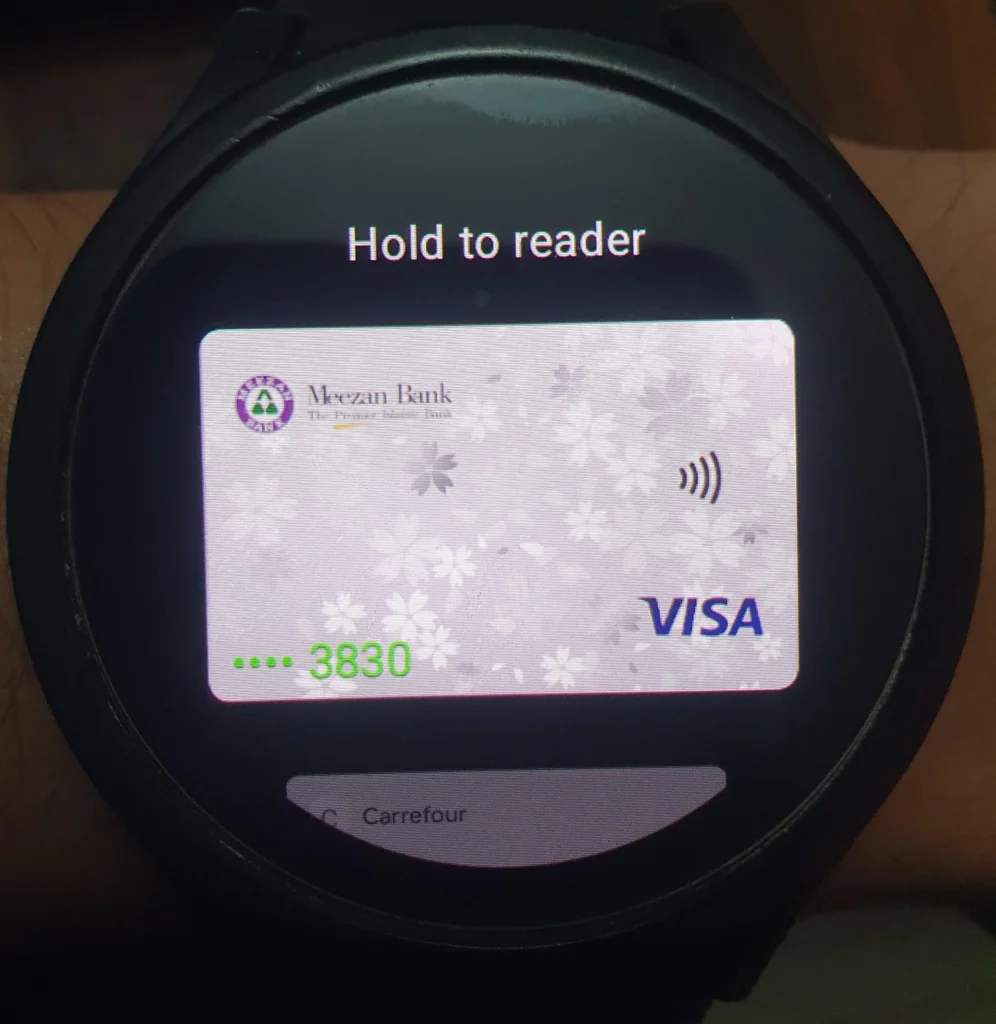
How Smartwatch Payments Work
Smartwatch payments rely on:
- NFC (Near Field Communication)
- Tokenized card systems
- Secure payment platforms
When you tap your watch at a payment terminal, it sends a tokenized version of your card details, not the actual number.
Common platforms include:
- Google Wallet
- Apple Pay
Here’s the catch: availability varies significantly in Pakistan.
Compatibility Table: Smartwatch Payments in Pakistan (2026)
| Feature | Apple Watch Series 11 | Samsung Galaxy Watch 8 | Google Pixel Watch 3 |
|---|---|---|---|
| NFC Support | Yes | Yes | Yes |
| Native Payment Platform | Apple Pay | Google Wallet | Google Wallet |
| Official Support in Pakistan | Limited | Partial | Partial |
| Bank Compatibility | Very Limited | Moderate | Moderate |
| Workarounds Available | Yes | Yes | Yes |
Key Insight: Hardware is ready — ecosystem support is still catching up.
Supported Banks and Payment Options in Pakistan
Here’s where things get tricky.
Limited Native Support
As of 2026:
- State Bank of Pakistan is pushing digital payments
- But Apple Pay is still not fully launched locally
- Google Wallet support is expanding but inconsistent
Workarounds That Actually Work
From real-world testing:
- Linking international cards (if available)
- Using fintech services with NFC support
- Enabling region-based features
It’s not perfect — but it’s usable.
Step-by-Step: How to Use a Smartwatch for Contactless Payments in Pakistan
Let’s walk through the actual setup proccess.
Step 1: Check NFC Availability on Your Watch
Make sure your device supports NFC:
- Go to Settings → Connectivity
- Enable NFC
Most premium devices already have this.
Step 2: Install and Set Up Payment App
Depending on your device:
- Wear OS → Google Wallet
- Apple Watch → Apple Pay
Open the app and sign in.
Step 3: Add Your Card
- Enter debit/credit card details
- Complete verification (OTP or bank approval)
Important: Not all Pakistani cards work — test your bank.
Step 4: Enable Screen Lock Security
For security:
- Set PIN or passcode
- Enable wrist detection
Without this, payments won’t work.
Step 5: Sync Watch With Phone
Ensure your watch and phone are fully synced.
This allows:
- Transaction authentication
- Data updates
- Security checks
Step 6: Make Your First Payment
At a store:
- Wake your watch
- Open payment app
- Hold near NFC terminal
You’ll feel a vibration — that’s your confirmation.
Simple, fast, futuristic.
Real-World Testing in Pakistan
Here’s what I found after testing in cities like Lahore and Islamabad:
- Works best at крупных retail chains and modern POS systems
- Smaller shops may not support NFC
- Some terminals require multiple attempts
Also — here’s something important:
Always carry backup payment.
Because compatibility isn’t 100% yet.
Security Features You Should Know
Smartwatch payments are actually very secure:
- Tokenization protects card data
- PIN required after removing watch
- No card number shared with merchants
In many ways, it’s safer than physical cards.
Advanced Tips for Better Experience
Use International Banking Options
If you have access, international cards work more reliably.
Keep NFC Enabled Only When Needed
Saves battery and adds security.
Update Your Watch Regularly
Software updates improve compatibility.
Use Trusted Retailers First
Test your setup at reliable stores.
Monitor Transactions via Phone
Always verify payments through your banking app.
The Role of AI in Smart Payments (2026)
Smartwatches are becoming smarter about payments too.
AI now enables:
- Spending insights
- Fraud detection
- Smart transaction categorization
- Integration with fitness data
Imagine:
- Tracking calorie burn and spending habits together
- Getting alerts when your spending spikes
- AI suggesting budget adjustments
Your smartwatch is becoming a financial assistant too.
Limitations You Should Be Aware Of
Let’s be honest — it’s not perfect yet.
Limited Bank Support
Not all Pakistani banks are compatible.
POS Compatibility Issues
Older terminals don’t support NFC.
Regional Restrictions
Some features require region switching.
Battery Dependency
Dead watch = no payments.
Quick Checklist: Smartwatch Payment Setup
Before you leave home:
- NFC enabled
- Payment app installed
- Card added and verified
- Watch secured with PIN
- Backup payment available
Follow this and you’re good to go.
Final Verdict: Is It Worth Using in Pakistan?
Yes — but with realistic expectations.
Learning how to use a smartwatch for contactless payments in Pakistan gives you:
- Convenience
- Speed
- Security
- A glimpse into the future of payments
But it still requires some patience and setup.
Ready to Upgrade Your Smart Lifestyle?
If you want more expert guides, real-world testing, and deep insights into wearable tech — visit wearfit.xyz.
It’s the ultimate hub for anyone serious about upgrading their lifestyle through health technology.
From ECG monitoring to smartwatch payments, we cover everything that matters.
Start paying smarter. Train better. Live more efficiently.
Because your smartwatch isn’t just tracking your health anymore — it’s powering your daily life.