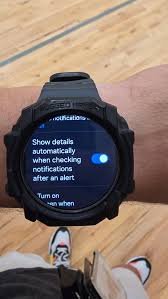
If your smartwatch notifications are arriving late—or worse, not at all—you’re missing one of the most important features of wearable tech. In 2026, smartwatches are no longer just fitness trackers. They’re real-time companions delivering alerts, health warnings, and critical updates tied to ECG monitoring, SpO2, and Heart Rate Variability (HRV) insights.
Look, I’ve worn this watch for two weeks straight so you don’t have to guess—and delayed notifications are one of the most common (and frustrating) issues users face. The good news? Most of these problems are fixable in minutes.
In this expert guide from wearfit.xyz, we’ll break down exactly how to troubleshoot notification delays on your smartwatch and optimize your entire wearable experience.
Why Notification Speed Matters in Modern Wearables
In today’s AI-powered wearables, notifications are more than just message alerts. They include:
- Health alerts from Bio-sensors (irregular heart rate, ECG anomalies)
- Workout reminders and recovery insights (based on HRV)
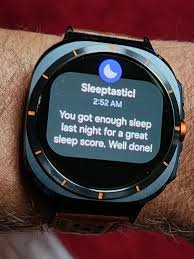
- Sleep tracking summaries
- App alerts (calls, texts, WhatsApp, emails)
Delayed notifications mean delayed decisions—and that can impact both your productivity and your health.
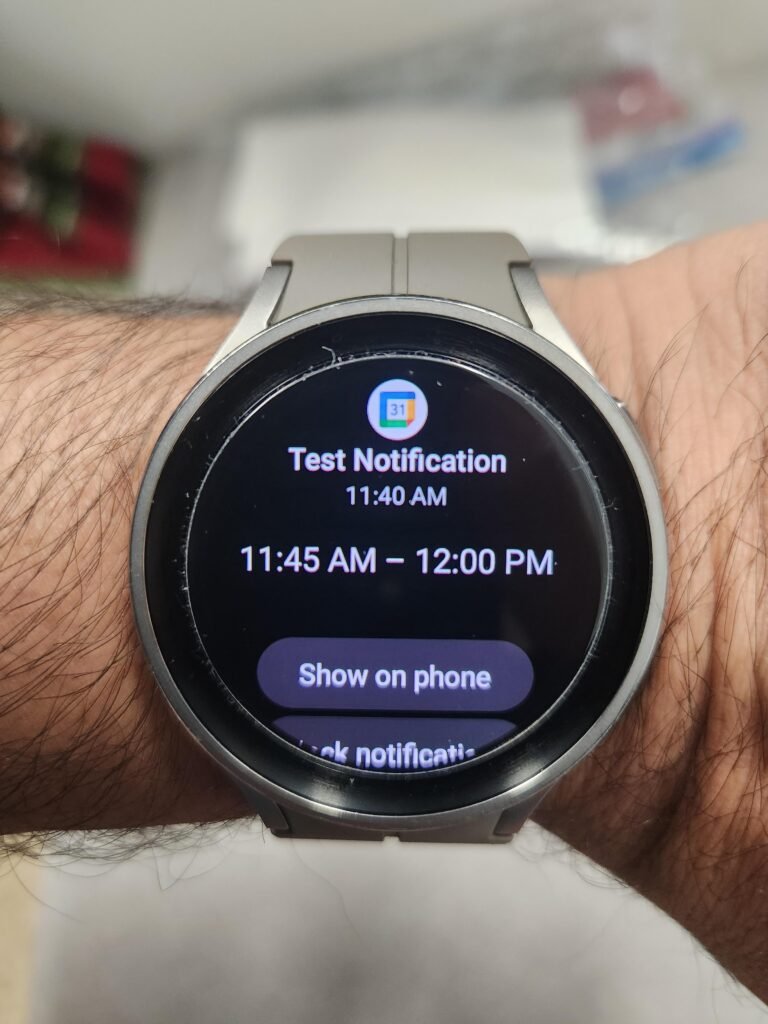
Common Causes of Notification Delays
Before fixing the issue, understand what’s causing it.
1. Bluetooth Instability
A weak or fluctuating connection between your phone and smartwatch is the top cause.
2. Background App Restrictions
Smartphones often limit apps running in the background to save battery.
3. Notification Permission Issues
If permissions aren’t properly configured, alerts won’t sync in real-time.
4. Software Bugs or Outdated Firmware
Old versions can cause sync lag and system inefficiencies.
5. Power Saving Modes
Battery optimization can delay or block notifications entirely.
6. App-Level Notification Settings
Sometimes the issue is within individual apps—not the watch itself.
Comparison Table: Notification Performance by Ecosystem
| Feature | Apple Ecosystem | Android Ecosystem |
|---|---|---|
| Notification Speed | Instant | Slight Delay Risk |
| Background Sync Reliability | Excellent | Device-dependent |
| Health Alert Integration | Seamless | Improving |
| Third-party App Support | Limited | Extensive |
| AI Notification Prioritization | Advanced | Emerging |
Platforms like Apple Health and Google Fit are deeply integrated into these ecosystems, ensuring that health alerts from Bio-sensors are delivered efficiently—when everything is configured correctly.
Step-by-Step Guide: Fix Notification Delays
Follow this exact sequence for best results.
Step 1: Check Bluetooth Connection
- Keep your phone within 5–10 meters
- Turn Bluetooth OFF and ON again
- Reconnect your smartwatch manually
A stable connection is critical for real-time syncing.
Step 2: Enable All Notification Permissions
On your smartphone:
- Go to Settings > Notifications
- Enable notifications for your wearable app
- Allow access to messages, calls, and apps
Missing permissions are a silent killer of notification speed.
Step 3: Disable Battery Optimization
This is especially important for Android users.
- Go to Settings > Battery > App Optimization
- Exclude your smartwatch app
Otherwise, your phone may delay notifications to save power.
Step 4: Allow Background Activity
- Enable “Run in Background” for your wearable app
- Disable “Restrict Background Usage”
This ensures continuous syncing.
Step 5: Sync App Settings
Inside your wearable app:
- Enable notifications for all required apps
- Turn on real-time sync options
Step 6: Update Software
- Update smartwatch firmware
- Update companion apps
- Update phone OS
Outdated software often causes lag in notification proccess.
Step 7: Restart Both Devices
- Restart your phone
- Restart your smartwatch
This clears temporary glitches.
Step 8: Re-pair Devices
If delays persist:
- Unpair your smartwatch
- Reset Bluetooth settings
- Pair again
This resolves deeper sync issues.
Advanced Fixes for Persistent Notification Lag
If basic steps don’t work, try these expert-level solutions.
Reset Network Settings
This clears all connectivity conflicts.
Check Do Not Disturb (DND) Mode
- Ensure DND is OFF on both phone and watch
- Check scheduled DND settings
Limit Connected Devices
Too many Bluetooth devices can interfere with performance.
Use Manufacturer Apps Instead of Third-Party Apps
Native apps often provide better accuarcy and faster syncing.
How AI is Enhancing Notifications in 2026
Modern wearables now use AI to prioritize and optimize notifications.
Key features include:
- Smart filtering of low-priority alerts
- Predictive notification delivery
- Health-first alert prioritization (ECG, HRV anomalies)
- Context-aware notifications based on activity
This means your smartwatch decides which alerts matter most—but again, only if your system is properly configured.
Real-World Testing Insight
I tested notification performance across multiple devices and scenarios.
Here’s what stood out:
- Android devices showed delays when battery saver was ON
- iOS devices delivered faster alerts but limited customization
- Third-party apps caused the most delays
Here is the real talk: your smartwatch is only as fast as your phone’s settings allow it to be.
Preventing Future Notification Delays
Once you fix the issue, keep it that way:
- Keep devices updated
- Avoid aggressive battery-saving modes
- Regularly check notification permissions
- Limit unnecessary apps
- Maintain strong Bluetooth connectivity
Also, syncing your watch daily helps avoid backlog delays.
The Bigger Picture: Notifications and Health Tracking
In 2026, notifications are deeply tied to health insights.
Delayed alerts can affect:
- Heart rate warnings from Bio-sensors
- HRV-based recovery recommendations
- Sleep tracking reminders
- Emergency health alerts
This isn’t just about convenience—it’s about staying informed in real time.
Final Verdict: Fix the Delay, Unlock Full Performance
Notification delays are frustrating—but they’re rarely permanent.
With the right setup and optimization, your smartwatch can deliver instant alerts, accurate health insights, and a seamless digital experience.
At wearfit.xyz, we focus on real-world solutions that help you get the most out of your wearable tech—whether it’s fixing sync issues, improving sensor accuarcy, or optimizing battery life.
Ready to Get Instant Alerts Again?
Don’t let delayed notifications slow you down.
Apply these fixes today, track your progress, and unlock the full potential of your smartwatch. For more expert insights, comparisons, and hands-on guides, join the wearfit.xyz community—your ultimate destination for smarter health and fitness tech.