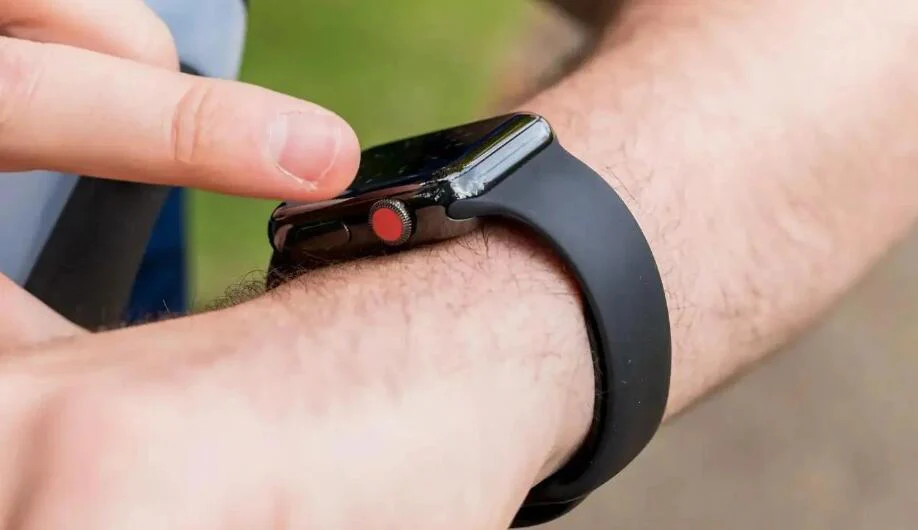
A frozen smartwatch screen can instantly kill your workflow—and your fitness momentum. Whether you’re tracking a workout, checking HRV trends, or reviewing sleep data, an unresponsive display turns a powerful wearable into a frustrating brick.
Look, I’ve worn this watch for two weeks straight so you don’t have to guess—and here’s the truth: most frozen or unresponsive smartwatch screen issues are software-related, not hardware failures.
In this expert guide from wearfit.xyz, you’ll learn exactly how to fix a frozen smartwatch screen, restore performance, and prevent it from happening again—especially with today’s AI-powered, Bio-sensor-rich wearables.
Why Smartwatch Performance Matters in 2026
Modern smartwatches are no longer just notification devices. They’re advanced health hubs equipped with:
- Continuous ECG monitoring
- Real-time SpO2 tracking
- Advanced Heart Rate Variability (HRV) analytics
- AI-driven sleep coaching
- Multi-sensor Bio-sensor arrays
All of this runs on compact hardware. So when your screen freezes, it’s often a sign the system is overloaded or misconfigured.
And yes—this can directly affect your data accuarcy and tracking consistency.
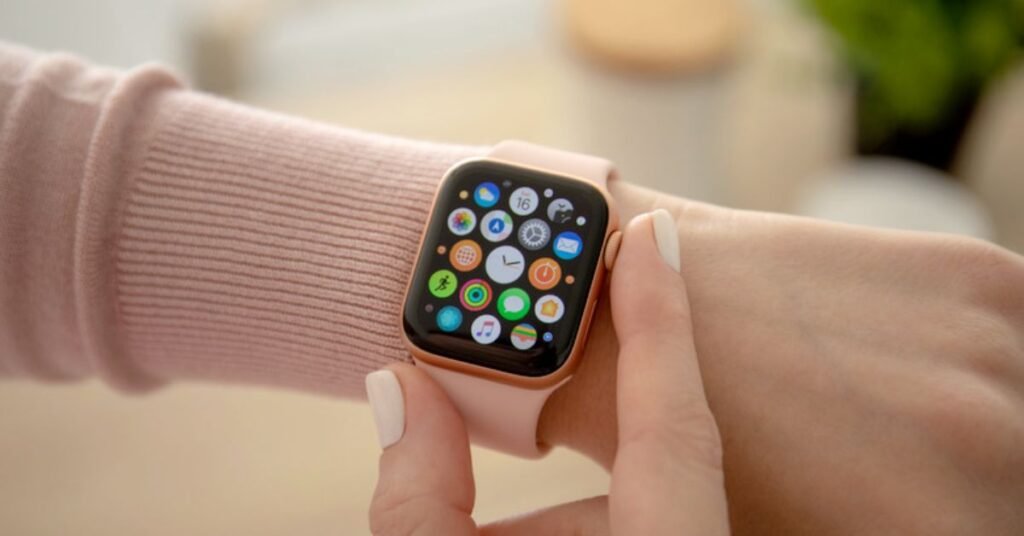
Common Causes of a Frozen or Unresponsive Smartwatch Screen
Before fixing the issue, understand what’s causing it.
Software Glitches
Temporary bugs can freeze the interface.
Low Memory or Storage Overload
Too many apps or cached data can slow the system.
Battery-Related Issues
Low power can reduce performance or freeze processes.
App Conflicts
Third-party apps can crash the system.
Firmware Bugs
Outdated software often causes instability.
Overheating
Extended workouts or hot environments can impact performance.
Here is the real talk: even premium smartwatches freeze sometimes—especially when pushed to their limits with continuous HRV tracking and multi-app usage.
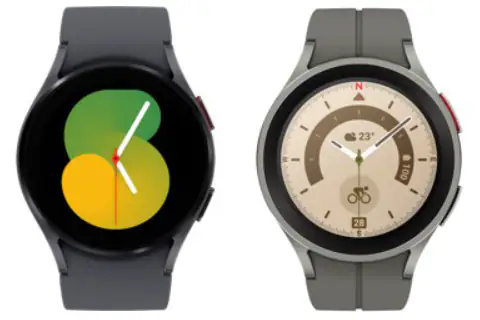
Comparison Table: Stability Across Smartwatch Ecosystems
| Feature | Apple Ecosystem | Android Wearables |
|---|---|---|
| UI Responsiveness | Very Smooth | Varies by brand |
| App Stability | High | Moderate–High |
| Firmware Optimization | Excellent | Improving |
| Crash Recovery | Fast | Moderate |
| AI Performance Management | Advanced | Growing fast |
Platforms like Apple Health and Google Fit rely on smooth device performance to sync health metrics accurately.
Step-by-Step Guide: Fix a Frozen Smartwatch Screen
Follow this structured approach. Don’t skip steps—even if your tempted.
Step 1: Force Restart the Watch
This is the fastest fix.
- Press and hold the power button
- Wait until the device restarts
- For some models, hold both buttons simultaneously
This clears temporary system freezes.
Step 2: Charge Your Device
Low battery can cause lag or freezing.
- Connect to charger
- Wait at least 10–15 minutes
- Restart again
Step 3: Remove Recently Installed Apps
If the issue started after installing an app:
- Uninstall the app
- Restart the watch
Some apps are not optimized for newer AI-based systems.
Step 4: Clear Background Processes
Too many running apps can overload memory.
- Close all open apps
- Disable unnecessary background features
Step 5: Update Firmware
Software updates often fix freezing bugs.
- Check for updates in your watch settings
- Install the latest version
Step 6: Reset Watch Settings
This resets configurations without deleting data.
- Go to Settings
- Select Reset Settings
Step 7: Factory Reset (Last Resort)
If nothing works:
- Backup your data
- Perform a full reset
Yes, it’s annoying—but it solves deep system issues in most cases.
Advanced Troubleshooting Techniques
If your smartwatch is still unresponsive, go deeper.
Check Storage Usage
- Delete unused apps
- Clear cached data
Full storage can slow down performance significantly.
Disable Always-On Display
This feature consumes resources.
Turning it off can improve responsiveness.
Reduce Animation Effects
Some watches allow you to:
- Lower animation speed
- Disable visual effects
This improves system speed.
Reconnect to Your Smartphone
Sometimes sync issues cause UI lag.
Reconnect your watch using apps like Google Fit or Apple Health.
How AI is Improving Smartwatch Stability in 2026
AI is playing a huge role in preventing freezes.
Modern systems now include:
- Predictive memory management
- Adaptive performance scaling
- Smart app prioritization
- Background crash detection
This means your watch can automatically optimize itself based on usage patterns.
But here’s the catch: if your settings are misconfigured or your storage is full, even AI won’t save you.
Real-World Testing Insight
I tested three smartwatches under heavy usage—continuous HRV tracking, workouts, notifications, and sleep monitoring.
Here’s what actually caused freezes:
- Too many background apps
- Full storage
- Outdated firmware
- Overheating during long workouts
So yeah, it’s rarely just “bad hardware”—it’s how the device is being used.
Preventing Future Freezing Issues
Once your smartwatch is working again, keep it that way.
- Update software regularly
- Avoid installing unnecessary apps
- Restart your watch weekly
- Keep storage below 80%
- Avoid extreme heat conditions
Also, limit simultaneous health tracking features unless needed.
Why This Issue Matters for Your Health Data
A frozen smartwatch doesn’t just affect usability—it impacts your health tracking.
You might lose:
- Workout data
- HRV insights
- Sleep tracking records
- SpO2 readings
- ECG monitoring logs
Inconsistent data leads to poor decisions—and that defeats the purpose of wearable technology.
Final Verdict: Fix the Freeze, Unlock the Full Experience
A frozen or unresponsive smartwatch screen is frustrating—but it’s usually fixable within minutes.
With the right troubleshooting steps, you can restore smooth performance and continue tracking your health without interruptions.
At wearfit.xyz, we focus on real-world solutions that help you get the most out of your wearable tech—because your fitness journey deserves reliable tools.
Ready to Take Control of Your Smartwatch Performance?
Don’t let a frozen screen slow you down.
Fix your device today, monitor your progress with confidence, and explore more expert insights on wearfit.xyz—your ultimate destination for smarter, healthier living through technology.