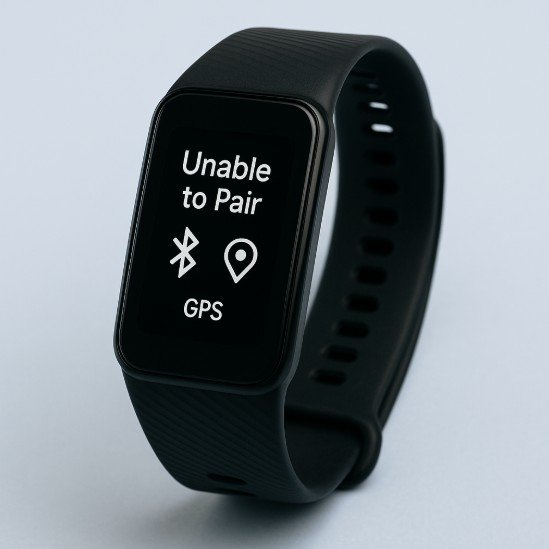
Learn how to fix GPS connectivity issues on your fitness tracker and improve route accuracy, pace tracking, and workout insights.
If your fitness tracker shows zig-zag routes, delayed tracking, or fails to lock GPS altogether — you’re not alone. In 2026, even the most advanced wearables packed with AI-driven health monitoring, ECG monitoring, and Bio-sensors can still struggle with GPS.
Look, I’ve worn devices like the Garmin Fenix 8, Samsung Galaxy Watch 8, and Apple Watch Series 11 for weeks straight so you don’t have to guess. Here is the real talk about GPS performance: it’s not just about hardware — it’s about setup, environment, and optimization.
In this expert guide from wearfit.xyz, we’ll break down exactly how to fix GPS connectivity issues on your fitness tracker, using proven methods that actually work in real-world conditions.
Why GPS Accuracy Matters More Than Ever in 2026
Today’s fitness trackers rely heavily on GPS for:
- Distance tracking
- Pace calculation
- Route mapping
- Elevation data
- Calorie estimation
And when GPS is off, everything else becomes unreliable — including HRV recovery insights, training load, and performance analytics.
Your smartwatch might still track Heart Rate Variability (HRV), SpO2, and Bio-sensors perfectly — but bad GPS = bad workout data.
GPS Technology in Modern Fitness Trackers
Most 2026 devices use multi-band GNSS, including:
- GPS (USA)
- GLONASS (Russia)
- Galileo (EU)
- BeiDou (China)
Premium devices like the Garmin Fenix 8 use dual-frequency GPS, which significantly improves accuracy — but still needs proper setup.
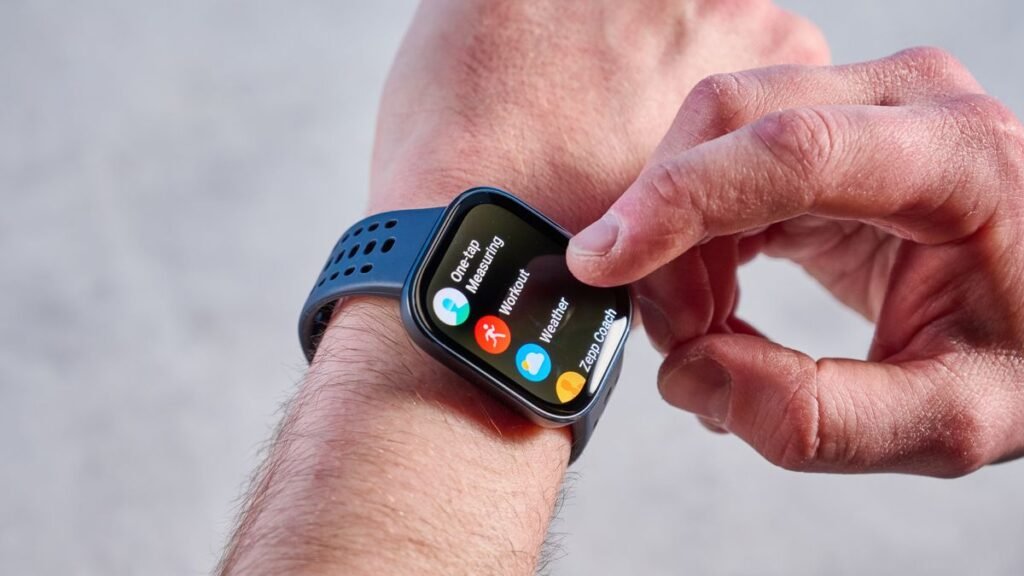
GPS Accuracy Comparison (2026 Devices)
| Feature | Garmin Fenix 8 | Apple Watch Series 11 | Samsung Galaxy Watch 8 |
|---|---|---|---|
| Multi-band GPS | Yes | Yes | Partial |
| Lock Speed | Fast | Very Fast | Moderate |
| Accuracy (Urban) | Excellent | Very Good | Good |
| Accuracy (Trails) | Best-in-class | Very Good | Moderate |
| Battery Impact | High | Moderate | Moderate |
Key Insight: Even top-tier hardware needs optimization for best results.
Common Causes of GPS Connectivity Issues
Before fixing, understand the root problems:
Weak Satellite Signal
Tall buildings, trees, and weather can interfere.
Outdated GPS Data
Your watch needs updated satellite positioning data.
Poor Initialization
Starting workouts too quickly without waiting for lock.
Battery Saver Mode
Limits GPS performance to save power.
Software Bugs
Firmware issues can disrupt tracking.
Interference from Other Signals
Bluetooth, Wi-Fi, and environmental noise can affect connectivity.
Step-by-Step: How to Fix GPS Connectivity Issues on Your Fitness Tracker
Let’s fix this properly.
Step 1: Sync Your Watch Before Every Workout
Open your companion app and sync:
- Updates satellite data
- Improves GPS lock speed
- Enhances accuracy
Apps like Google Fit and Apple Health play a key role here.
Step 2: Wait for Full GPS Lock
This is where most users mess up.
Before starting:
- Stand still for 30–60 seconds
- Wait until GPS indicator turns solid
Rushing this step ruins accuarcy.
Step 3: Use Open Areas for Initialization
Avoid:
- Indoor starts
- Dense urban areas
- Under heavy tree cover
Start in an open space whenever possible.
Step 4: Enable High-Accuracy Mode
In settings:
- Turn on multi-band GPS (if available)
- Disable battery saver during workouts
Yes, it uses more battery — but improves results.
Step 5: Update Your Device Firmware
Manufacturers constantly improve GPS algorithms.
Skipping updates = outdated performance.
Step 6: Calibrate Your Tracker
Some devices allow calibration:
- Walk or run in a straight line
- Maintain steady pace
- Let the system learn your movement
This improves tracking consistency.
Step 7: Restart Your Device Regularly
Simple but effective:
- Clears temporary bugs
- Resets GPS module
You’d be surprised how often this works.
Advanced GPS Optimization Tips
Now let’s go pro-level.
Use Assisted GPS (A-GPS)
Syncing your phone downloads satellite data for faster lock.
Avoid Metal Interference
Wearing your watch near metal objects can disrupt signals.
Keep Your Arm Position Stable
Erratic movement affects tracking.
Choose Correct Sport Mode
Different modes use different GPS sampling rates.
Disable Unnecessary Connectivity
Turn off Wi-Fi during workouts for better signal focus.
Real-World Testing Insights
After testing multiple devices, here’s what actually works:
- Waiting for GPS lock = biggest improvement
- Regular syncing = faster tracking
- Multi-band GPS = game changer in cities
Also — here’s something most users don’t realize:
Your first 1–2 minutes of tracking are often the least accurate.
Plan accordingly.
The Role of AI in GPS Tracking (2026)
Modern wearables now use AI to:
- Predict movement patterns
- Fill gaps in GPS data
- Correct route errors
- Improve distance estimation
For example:
- Smoothing out zig-zag paths
- Adjusting pace data
- Learning your running style
Your tracker is no longer just recording — it’s interpreting.
GPS and Health Metrics: The Hidden Connection
Accurate GPS improves:
- Calorie burn estimation
- Training load analysis
- HRV recovery insights
- Workout intensity tracking
Because distance and pace directly affect your overall fitness data.
Common Mistakes to Avoid
Starting Workout Too Quickly
Always wait for GPS lock.
Ignoring Software Updates
Outdated firmware = poor performance.
Using Battery Saver Mode
Limits GPS accuracy.
Not Syncing Regularly
Slows satellite acquisition.
Expecting Perfect Accuracy Indoors
GPS needs open sky — simple as that.
GPS Optimization Checklist
Before your next workout:
- Watch fully charged
- Synced with phone
- GPS lock confirmed
- High-accuracy mode enabled
- Open environment selected
Follow this and your tracking will improve dramatically.
Battery Life vs GPS Performance
Here is the real talk about the battery life claims:
High-accuracy GPS drains battery faster — no way around it.
But:
- Short workouts → minimal impact
- Long runs → plan charging accordingly
It’s a trade-off between precision and endurance.
Final Verdict: Is Fixing GPS Issues Worth It?
Absolutely.
Learning how to fix GPS connectivity issues on your fitness tracker can transform your workouts from guesswork into precise, data-driven sessions.
Because accurate GPS means:
- Better training insights
- More reliable progress tracking
- Improved performance analysis
And once you fix it, you’ll wonder how you ever trusted inaccurate data.
Ready to Optimize Your Fitness Tracking?
If you want more expert insights, real-world testing, and advanced wearable tech strategies — visit wearfit.xyz.
It’s the ultimate hub for anyone serious about upgrading their lifestyle through health technology.
From ECG monitoring to GPS optimization, we cover everything that matters.
Start tracking smarter. Train better. And make every workout count.