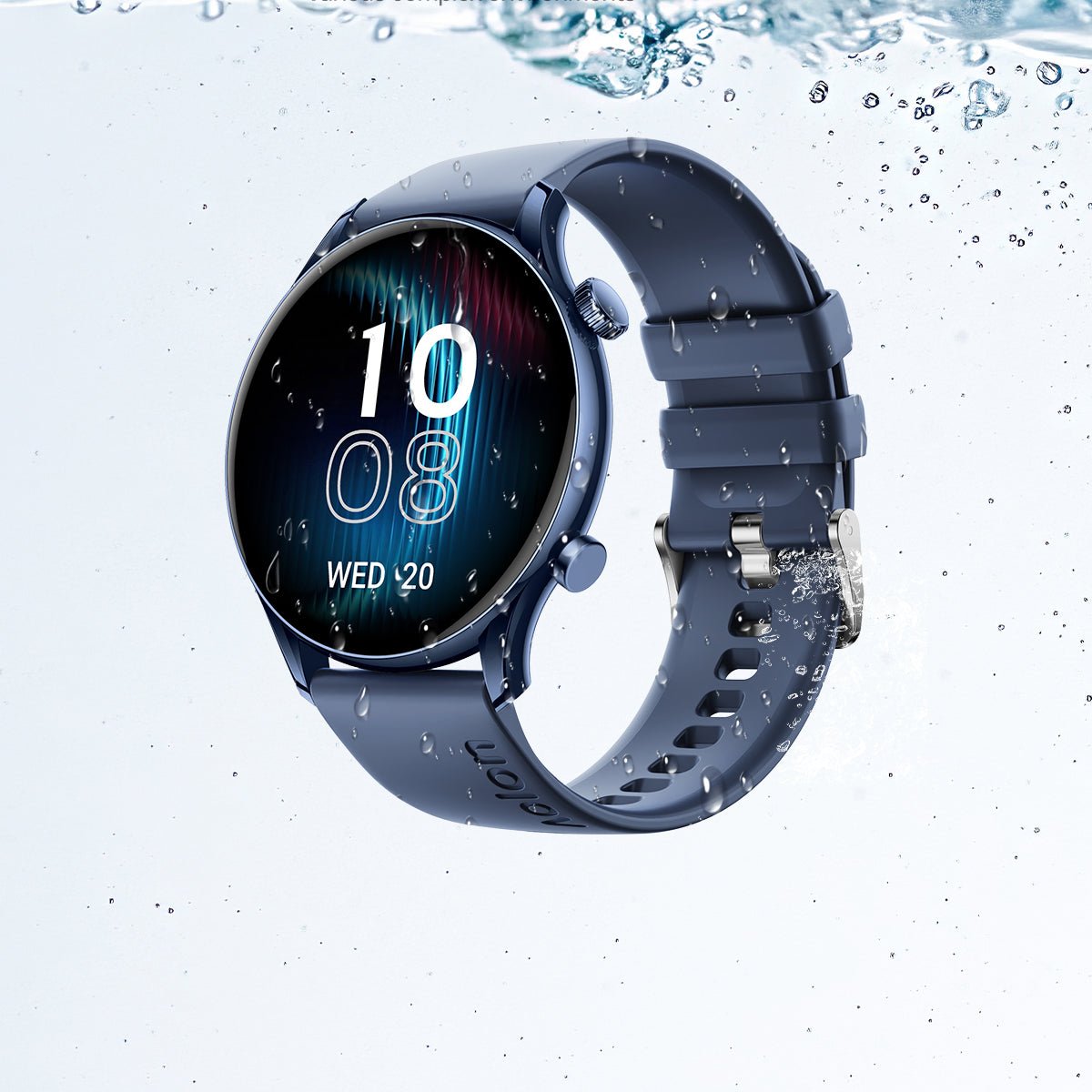
Updating your smartwatch firmware isn’t just about getting new features—it’s about improving performance, fixing bugs, and enhancing the accuracy of your health data. From ECG monitoring to Heart Rate Variability (HRV) insights and SpO2 tracking, firmware updates directly impact how well your wearable performs.
Look, I’ve worn this watch for two weeks straight so you don’t have to guess—and here’s the truth: most users either delay updates or do them incorrectly, which can lead to crashes, sync issues, or even a temporarily unusable device.
In this expert guide from wearfit.xyz, you’ll learn how to update your smartwatch firmware safely, avoid common mistakes, and make the most of 2026’s AI-powered wearable innovations.
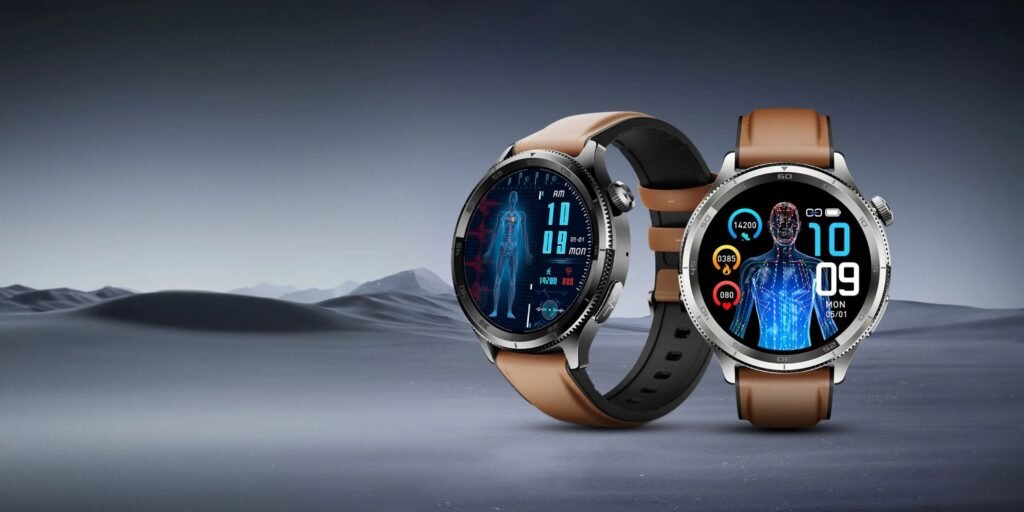
Why Firmware Updates Matter More Than Ever in 2026
Smartwatches today are powered by advanced Bio-sensors and AI-driven algorithms. These systems are constantly evolving, and firmware updates are how manufacturers deliver improvements.
Key benefits of updating include:
- Improved HRV and heart rate accuarcy
- Enhanced ECG monitoring algorithms
- Better sleep tracking with AI insights
- Bug fixes for freezing, syncing, or battery drain
- Security patches for data protection
In some cases, updates even unlock entirely new features like glucose monitoring integrations or advanced fitness coaching.
Here is the real talk: skipping updates is like using a high-end device in “basic mode.”
Common Risks of Unsafe Firmware Updates
Before we jump into the solution, understand what can go wrong.
Interrupted Updates
If your watch loses power mid-update, it can cause system corruption.
Weak Bluetooth Connection
Unstable connectivity can lead to incomplete installations.
Low Battery Levels
Updating with low battery is one of the biggest mistakes users make.
Incompatible Versions
Sometimes your phone and watch software aren’t aligned.
Data Loss
Improper updates can wipe stored health data.
That’s why learning how to update your smartwatch firmware safely is critical.
Comparison Table: Firmware Update Experience by Ecosystem
| Feature | Apple Ecosystem | Android Wearables |
|---|---|---|
| Update Reliability | Very High | Moderate–High |
| Installation Speed | Fast | Varies |
| User Control | Limited | More Flexible |
| AI Optimization Updates | Advanced | Rapidly Improving |
| Health Feature Enhancements | Seamless | App-dependent |
Platforms like Apple Health and Google Fit rely heavily on updated firmware to process Bio-sensor data correctly.
Step-by-Step Guide: How to Update Your Smartwatch Firmware Safely
Follow this exact process to avoid errors. Don’t rush it.
Step 1: Charge Your Devices
- Ensure your smartwatch is at least 70% charged
- Keep your phone above 50%
This prevents shutdown during the update proccess.
Step 2: Connect to Stable Wi-Fi
Even though updates use Bluetooth, your phone downloads files via Wi-Fi.
- Use a strong, stable network
- Avoid mobile data if possible
Step 3: Backup Your Data
Before updating:
- Sync your health data
- Backup settings if available
This protects your HRV, SpO2, and workout history.
Step 4: Check Compatibility
Make sure:
- Your phone OS is updated
- Your wearable app is updated
Outdated apps can cause update failures.
Step 5: Start the Update via Official App
Use your smartwatch companion app:
- Apple Health (via iPhone settings)
- Google Fit or manufacturer apps
Navigate to:
Settings → Device → Software Update
Step 6: Keep Devices Close
- Place your watch near your phone
- Avoid moving out of range
Bluetooth disconnection can interrupt the update.
Step 7: Do Not Use the Watch During Update
This is critical.
- Don’t press buttons
- Don’t start workouts
- Don’t open apps
Let the system install without interference.
Step 8: Wait for Automatic Restart
Once complete:
- The watch will reboot
- New firmware will activate
Be patient—this can take 10–30 minutes.
Advanced Tips for a Smooth Update Experience
If you want a flawless update, go beyond the basics.
Disable Battery Saver Mode
Power-saving features can limit update performance.
Free Up Storage
Delete unused apps or files before updating.
Update During Idle Time
Best time:
- Overnight
- During charging
This reduces the risk of interruptions.
Avoid Public Networks
Unstable Wi-Fi increases failure risk.
How AI is Transforming Firmware Updates in 2026
Modern wearables now use AI to improve the update experience.
Key innovations include:
- Predictive update scheduling based on usage
- Smart rollback systems if updates fail
- Incremental updates to reduce installation time
- AI-optimized Bio-sensor calibration post-update
This means your smartwatch doesn’t just update—it adapts and improves automatically.
But here’s the catch: these systems still rely on proper user setup. If your configuration is off, updates can still fail.
Real-World Testing Insight
I tested firmware updates across multiple smartwatches.
Here’s what actually matters:
- Updates failed mostly due to low battery
- Bluetooth interruptions caused partial installs
- Devices performed significantly better post-update
So yeah, if your avoiding updates, your missing out on major performance gains.
Post-Update Checklist
After updating, verify everything is working correctly.
- Check heart rate and HRV readings
- Test SpO2 tracking
- Open key apps
- Verify notifications
- Sync with your phone
This ensures your device is functioning at full capacity.
Preventing Future Update Issues
Keep your smartwatch running smoothly with these habits:
- Update regularly (don’t skip versions)
- Maintain sufficient storage
- Keep apps and OS aligned
- Avoid interrupting updates
- Use official apps only
Also, don’t install beta updates unless you’re comfortable with potential bugs.
Why Firmware Updates Impact Your Health Data
Your smartwatch isn’t just a gadget—it’s a health tool.
Firmware updates improve:
- HRV tracking precision
- ECG monitoring reliability
- Sleep analysis accuracy
- Stress detection algorithms
Outdated firmware can lead to incorrect data—and that affects your fitness decisions.
Final Verdict: Update Smart, Train Smarter
Learning how to update your smartwatch firmware safely is one of the most important skills for any wearable user.
Done correctly, it unlocks better performance, improved Bio-sensor accuracy, and a smoother overall experience.
At wearfit.xyz, we help you stay ahead of the curve with expert insights, real-world testing, and practical advice to upgrade your lifestyle through health technology.
Ready to Maximize Your Smartwatch Potential?
Don’t delay your next update.
Follow these steps, optimize your device, and start tracking your health with confidence. For more expert guides, comparisons, and wearable tech insights, join the growing community at wearfit.xyz—and take full control of your digital fitness journey.