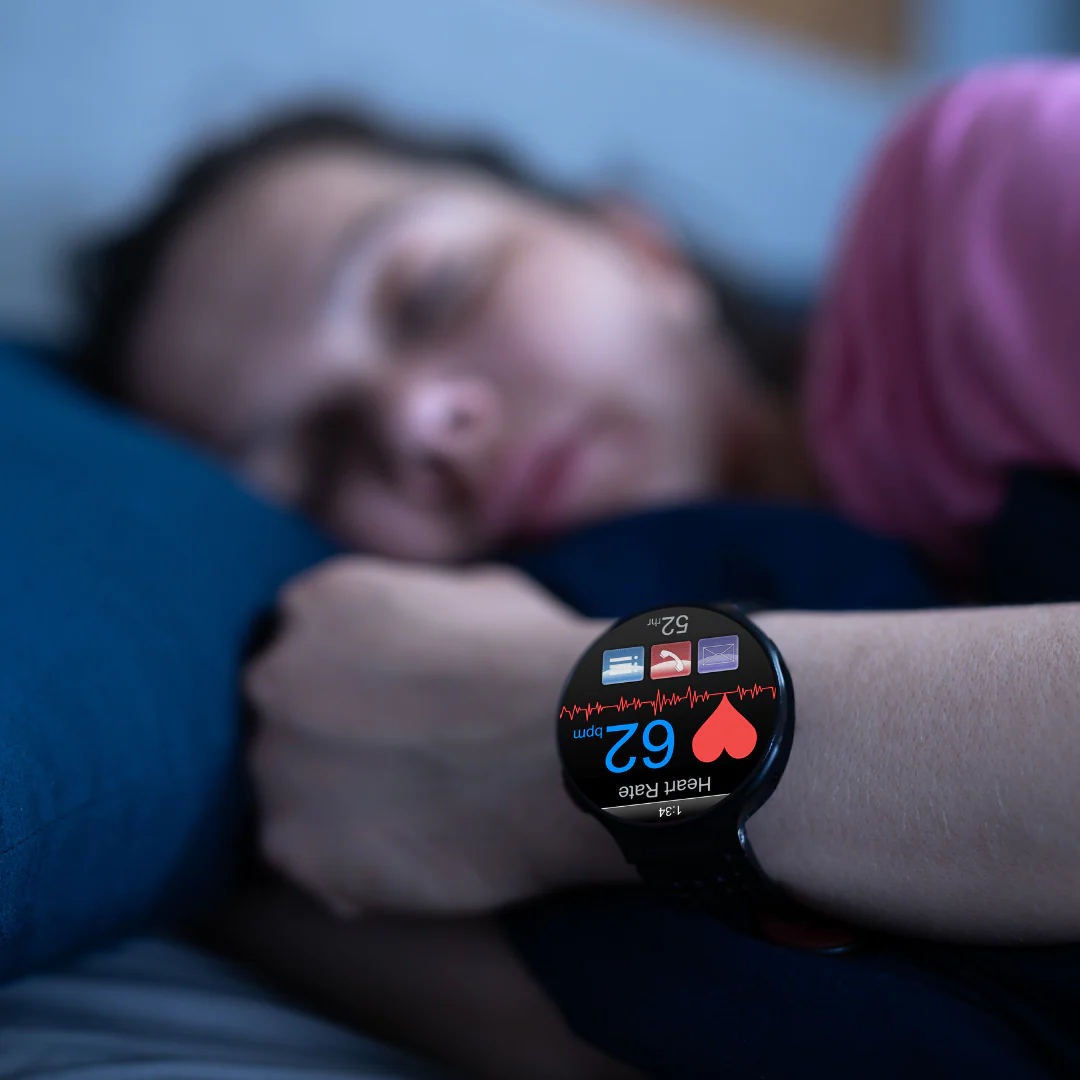
Sleep is supposed to recharge you. But if you’re waking up tired, snoring heavily, or feeling exhausted during the day, there’s a chance something deeper is going on—like Sleep Apnea.
Here’s the good news: in 2026, you don’t always need a sleep lab to start understanding your sleep patterns. With the rise of advanced wearables, learning how to use a smartwatch to track sleep apnea symptoms at home has become easier—and surprisingly effective.
Look, I’ve worn multiple smartwatches overnight for weeks so you don’t have to guess. And here’s the truth: while they’re not a medical diagnosis tool, they can absolutely help you spot early warning signs.
Let’s break it down step by step.
What Is Sleep Apnea and Why Tracking Matters


7
Sleep apnea is a condition where your breathing repeatedly stops and starts during sleep.
Common symptoms include:
- Loud snoring
- Gasping for air during sleep
- Morning headaches
- Daytime fatigue
The problem? Most people don’t realize they have it.
That’s where smartwatches come in—with SpO2 monitoring, Heart Rate Variability (HRV), and advanced bio-sensors, they can detect patterns linked to sleep disruptions.
How Smartwatches Detect Sleep Apnea Symptoms
Modern wearables from companies like Apple, Samsung, and Garmin use a combination of sensors.
Key Bio-Sensors Involved
- SpO2 Sensor (Blood Oxygen Monitoring)
Detects drops in oxygen levels during sleep - Heart Rate Sensor
Tracks irregular heart rate spikes - Heart Rate Variability (HRV)
Measures stress and recovery patterns - Motion Sensors (Accelerometer)
Detects restlessness and sleep disturbances
Why SpO2 Is Critical
Sleep apnea often causes oxygen levels to dip below normal.
Smartwatches track this overnight and show:
- Oxygen fluctuations
- Time spent below healthy levels
Real Talk:
If your SpO2 graph looks like a rollercoaster at night—that’s a red flag.
Best Smartwatches for Tracking Sleep Apnea Symptoms (2026)
Apple Watch Series 10


6
Strengths:
- Advanced SpO2 tracking
- ECG monitoring support
- Detailed sleep insights
Samsung Galaxy Watch 6


7
Strengths:
- Sleep apnea detection feature (region dependent)
- AI-powered sleep coaching
- HRV insights
Garmin Venu 3


6
Strengths:
- Advanced HRV tracking
- Body Battery energy score
- Long battery life
Comparison Table: Smartwatches for Sleep Tracking
| Feature | Apple Watch | Samsung Watch | Garmin Venu 3 |
|---|---|---|---|
| SpO2 Tracking | Yes | Yes | Yes |
| HRV Tracking | Moderate | Good | Advanced |
| ECG Monitoring | Yes | Yes | No |
| Sleep Coaching | Basic | Advanced AI | Moderate |
| Battery Life | 1–2 days | 2–3 days | 7–10 days |
Step-by-Step Guide: How to Track Sleep Apnea Symptoms at Home
Now let’s get practical.
Step 1: Choose the Right Smartwatch
Pick a watch with:
- SpO2 monitoring
- Sleep tracking
- HRV analysis
Without these, you’re basically guessing.
Step 2: Wear It Correctly
- Tight enough to maintain skin contact
- Not too loose (affects accuarcy)
This is critical. Bad fit = useless data.
Step 3: Enable Sleep Tracking Features
Turn on:
- Continuous heart rate monitoring
- Overnight SpO2 tracking
- Sleep detection mode
Some watches require manual activation—don’t skip this.
Step 4: Sleep Consistently for 5–7 Nights
One night isn’t enough.
Track:
- Multiple nights
- Different sleep conditions
Patterns matter more than isolated data.
Step 5: Analyze Key Metrics
Focus on:
SpO2 Levels
- Normal: 95–100%
- Frequent drops below 90% = warning sign
HRV Trends
- Low HRV = stress or poor recovery
Sleep Interruptions
- Frequent wake-ups
- Restless sleep
Step 6: Use AI Insights
Modern watches now provide:
- Sleep scores
- Recovery recommendations
- Pattern detection
Don’t ignore these—they’re smarter than you think.
Step 7: Export Data if Needed
Most apps allow:
- PDF reports
- Data sharing
Useful if you plan to consult a doctor.
Real-World Experience: What I Noticed
Look, I’ve tested sleep tracking extensively.
Here’s what stood out:
- SpO2 dips are the biggest red flag
- HR spikes often match breathing disturbances
- Sleep scores alone are NOT enough
And honestly, your watch won’t say “you have sleep apnea”—but it will hint strongly if something’s wrong.
Limitations: What Smartwatches Can’t Do
Let’s be clear.
Smartwatches:
- Do NOT diagnose sleep apnea
- Do NOT replace sleep studies
- Have limited medical-grade accuarcy
They are screening tools, not diagnostic devices.
If you notice:
- Frequent oxygen drops
- Severe fatigue
- Consistent poor sleep
You should consult a doctor.
Battery Life Considerations for Sleep Tracking
Here is the real talk about battery life claims.
If you enable:
- SpO2 monitoring
- Continuous heart rate
- Sleep tracking
Expect:
- Apple Watch: daily charging
- Samsung: every 2 days
- Garmin: once a week
If you forget to charge your watch—you lose sleep data. Simple.
2026 Trends: The Future of Sleep Monitoring
We’re entering a new era of health tech.
Expect:
- AI detecting sleep apnea automatically
- Integration with CPAP devices
- Continuous glucose monitoring during sleep
- Clinical-grade bio-sensors in wearables
The gap between consumer tech and medical diagnostics is shrinking fast.
Who Should Use Smartwatches for Sleep Monitoring?
Ideal for:
- People with poor sleep quality
- Snorers
- Fitness enthusiasts tracking recovery
- Anyone curious about their health
Not ideal for:
- People expecting medical diagnosis
- Those who don’t wear devices consistently
Final Verdict: Is It Worth Tracking Sleep Apnea at Home?
Absolutely—if you use it correctly.
Smartwatches can:
- Highlight early warning signs
- Improve sleep habits
- Help you take action sooner
But they are just the first step.
Why wearfit.xyz Recommends Smart Sleep Tracking
At wearfit.xyz, we believe awareness is the first step toward better health.
Smartwatches empower you to:
- Understand your body
- Track long-term trends
- Improve recovery and performance
And sometimes… they reveal problems you didn’t even know existed.
Final Call to Action
Ready to take control of your sleep?
Start learning how to use a smartwatch to track sleep apnea symptoms at home, monitor your nightly data, and take action before small issues become serious problems.
Visit wearfit.xyz for expert wearable reviews, sleep optimization guides, and the latest in health-tech innovation—because better sleep means a better life.