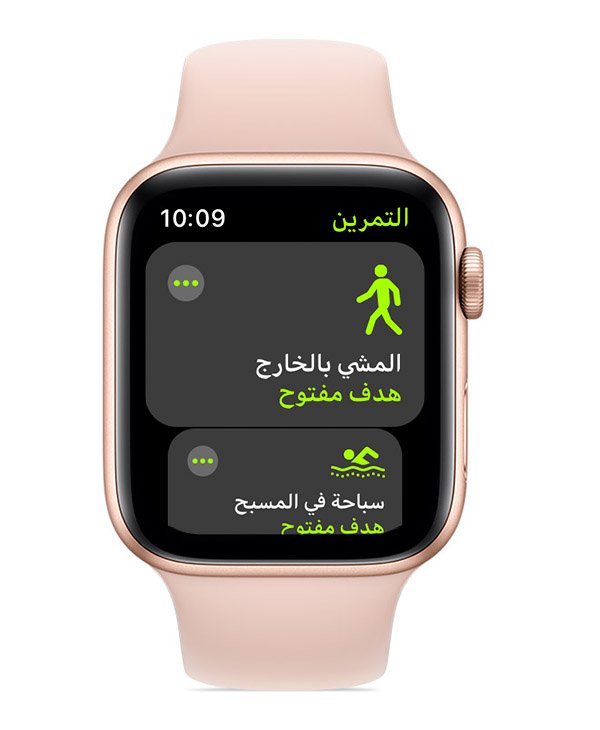
Discover why your smartwatch step counter is inaccurate and learn proven fixes to improve tracking accuracy and fitness insights.
If you’ve ever looked at your smartwatch and thought, “There’s no way I walked that many steps…” — you’re not imagining things. Step counters can be surprisingly inconsistent, even on premium devices.
Look, I’ve worn devices like the Apple Watch Series 11, Samsung Galaxy Watch 8, and Garmin Fenix 8 for weeks straight so you don’t have to guess. And here’s the real talk: step tracking accuracy depends more on calibration, usage, and behavior than the hardware itself.
In this expert guide from wearfit.xyz, we’ll break down exactly why your smartwatch step counter is inaccurate (and how to fix it) using the latest 2026 wearable tech insights.
Why Step Accuracy Still Matters in 2026
Even with AI-driven health monitoring and advanced Bio-sensors tracking ECG monitoring, Heart Rate Variability (HRV), and SpO2 — step count is still a foundational metric.
It feeds into:
- Calorie burn calculations
- Activity goals
- Fitness scores
- Daily movement tracking
If your steps are off, your entire fitness ecosystem becomes unreliable.
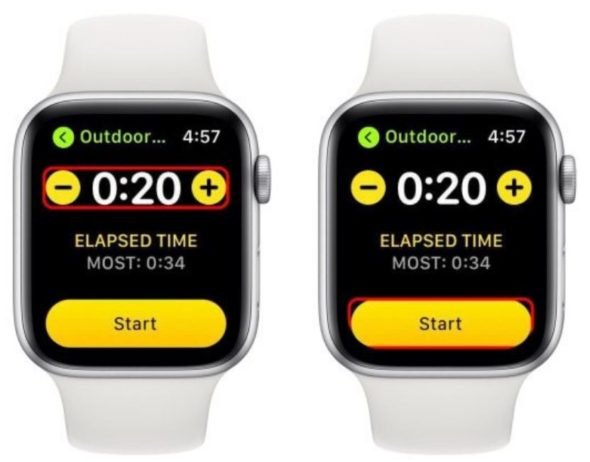
How Smartwatch Step Counters Actually Work
Smartwatches don’t “count steps” the way you might think.
They use:
- Accelerometers
- Gyroscopes
- AI motion algorithms
These sensors detect wrist movement patterns that resemble walking.
That means:
It’s not counting steps directly — it’s estimating them.
Modern devices like the Garmin Fenix 8 enhance this with AI models trained on millions of movement patterns.
But estimation always has margin for error.
Step Tracking Accuracy Comparison (2026 Devices)
| Feature | Apple Watch Series 11 | Samsung Galaxy Watch 8 | Garmin Fenix 8 |
|---|---|---|---|
| Step Accuracy (Walking) | Excellent | Very Good | Excellent |
| Step Accuracy (Indoor) | Very Good | Good | Excellent |
| AI Motion Detection | Advanced | Advanced | Best-in-class |
| False Step Detection | Moderate | Moderate | Low |
| Calibration Options | Limited | Moderate | Advanced |
Key Insight: Garmin leads in raw accuracy, but all devices require proper setup.
Why Your Smartwatch Step Counter Is Inaccurate
Let’s break down the real reasons.
Arm Movement Without Walking
Typing, cooking, or even brushing your teeth can register as steps.
Poor Fit on Wrist
Loose fit = inconsistent motion detection.
Incorrect Dominant Hand Settings
Wearing on the wrong wrist without updating settings affects calibration.
Lack of Calibration
Most users never calibrate their device properly.
Inconsistent Walking Patterns
Slow walking, uneven terrain, or carrying items affects detection.
Software Limitations
Algorithms aren’t perfect — even in 2026.
Over-reliance on Wrist Data
Some movements don’t involve arm swings — leading to undercounting.
Step-by-Step: How to Fix Step Counter Accuracy
Now let’s fix it properly.
Step 1: Wear Your Watch Correctly
- Place it snugly above your wrist bone
- Avoid loose straps
- Ensure consistent positioning
This alone can fix a lot of accuarcy issues.
Step 2: Set Your Dominant Hand
Go to settings:
- Select left or right wrist correctly
- Update if you switch wrists
This helps the algorithm interpret motion correctly.
Step 3: Calibrate Your Device
This is critical.
- Go for a 20–30 minute walk
- Maintain steady pace
- Use GPS if available
Devices like Samsung Galaxy Watch 8 improve significantly after calibration.
Step 4: Enable All Motion Sensors
Make sure:
- Activity tracking is ON
- Motion detection is enabled
- Health tracking features are active
More data = better accuracy.
Step 5: Update Software Regularly
Manufacturers constantly refine:
- Motion algorithms
- AI detection models
- Sensor accuracy
Skipping updates = outdated tracking.
Step 6: Sync With Health Apps
Connect your watch to:
- Apple Health
- Google Fit
This improves data consistency across devices.
Step 7: Reset and Relearn (If Needed)
If your data is way off:
- Reset activity calibration
- Restart your device
- Recalibrate from scratch
Yes, it takes time — but it works.
Advanced Accuracy Optimization Tips
Use GPS for Outdoor Walks
Improves stride length estimation.
Avoid Excessive Wrist Movement
Erratic movement confuses sensors.
Keep Walking Pattern Consistent
AI learns from repetition.
Wear Watch on Non-Dominant Hand
Reduces false step detection.
Combine With Other Metrics
Cross-check steps with:
- Distance
- Calories
- HRV trends
Real-World Testing Insights
After testing multiple devices, here’s what actually matters:
- Calibration improves accuracy more than hardware differences
- Wearing position affects results significantly
- AI improves over time — but needs consistent data
Also — here’s something most users don’t realize:
Your first few days of step data are often unreliable.
Give your device time to learn.
The Role of AI in Step Tracking (2026)
Modern smartwatches now use:
- Machine learning motion models
- Context-aware activity detection
- Behavioral pattern recognition
For example:
- Ignoring repetitive non-walking movements
- Adjusting for stride length
- Learning your walking style
Your watch is constantly adapting.
Step Count vs Real Activity: What Actually Matters
Here’s the truth:
Steps are just one metric.
You should also track:
- Heart Rate Variability (HRV)
- SpO2 levels
- Active minutes
- Workout intensity
Because 10,000 steps doesn’t always mean effective exercise.
Common Mistakes to Avoid
Obsessing Over Exact Numbers
Small variations are normal.
Ignoring Calibration
This is the biggest mistake.
Wearing Watch Incorrectly
Fit matters more than you think.
Not Updating Settings
Default settings aren’t optimized.
Expecting Perfect Accuracy
Even the best devices have limitations.
Step Tracking Optimization Checklist
Before you trust your data:
- Watch fits snugly
- Dominant hand set correctly
- Calibration completed
- Sensors enabled
- Software updated
Follow this and your tracking will improve dramatically.
Battery Life vs Step Accuracy
Here is the real talk about the battery life claims:
Step tracking uses minimal power compared to:
- GPS
- SpO2 monitoring
- Continuous HRV tracking
So improving accuracy won’t significantly drain your battery.
Final Verdict: Should You Worry About Step Accuracy?
Yes — but not obsessively.
Understanding why your smartwatch step counter is inaccurate (and how to fix it) helps you:
- Improve data reliability
- Track real progress
- Make better fitness decisions
But remember — trends matter more than perfection.
Ready to Track Smarter?
If you want more expert insights, real-world testing, and advanced wearable tech strategies — visit wearfit.xyz.
It’s the ultimate hub for anyone serious about upgrading their lifestyle through health technology.
From ECG monitoring to step accuracy optimization, we cover everything that matters.
Start tracking smarter. Move better. And turn your data into real results.