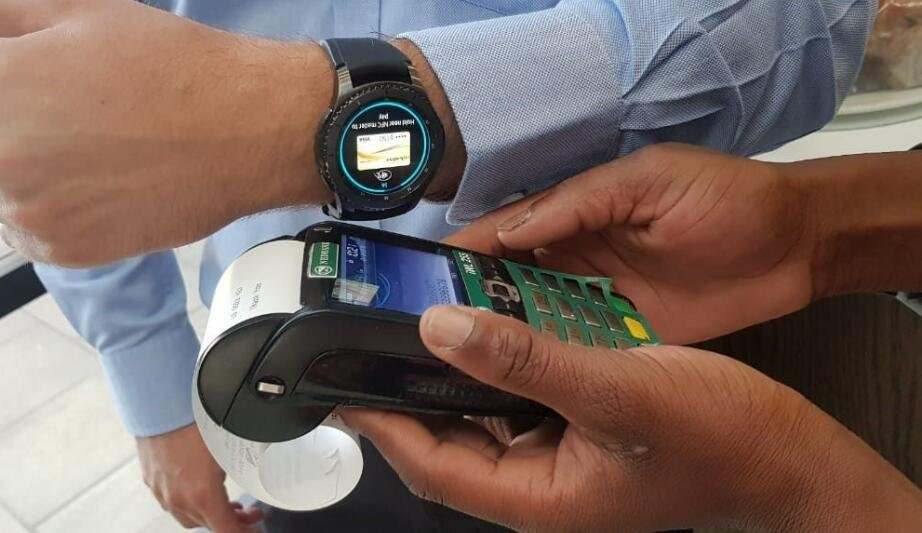
Learn how to use a smartwatch for contactless payments in Pakistan with step-by-step setup, supported banks, and expert tips. Smartwatches in 2026 have evolved into full-blown lifestyle companions. Sure, they track ECG monitoring, Heart Rate Variability (HRV), SpO2, and advanced Bio-sensors — but one feature that’s quietly transforming everyday life in Pakistan is contactless payments. […]
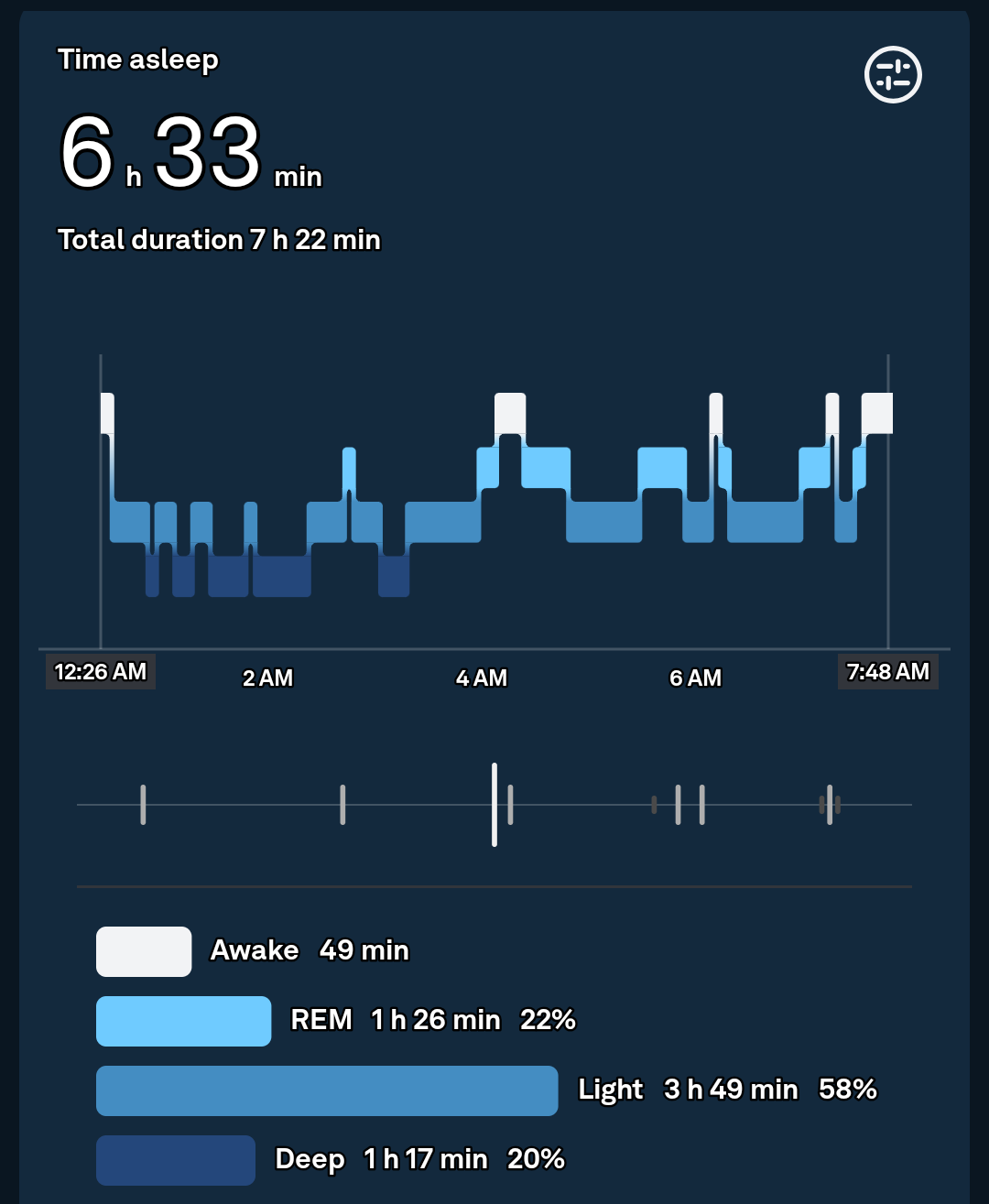
How to Interpret Your Sleep Stages Data from a Fitness Tracker
Learn how to interpret your sleep stages data from a fitness tracker and improve recovery, energy, and overall health. Sleep tracking has gone from a “nice-to-have” feature to one of the most powerful tools in modern wearable tech. In 2026, your smartwatch doesn’t just tell you how long you slept — it breaks down how […]
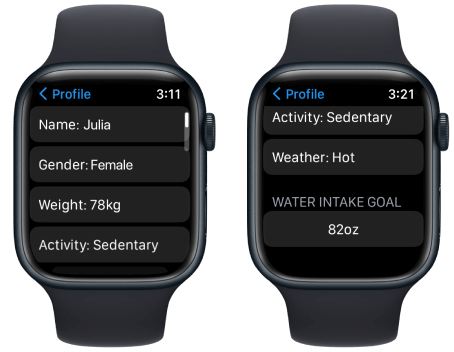
How to Use a Smartwatch to Stay Hydrated (Drink Water Reminders)
Learn how to use a smartwatch to stay hydrated with drink water reminders and optimize your health, energy, and fitness. Hydration is one of the most overlooked pillars of health — yet it directly impacts everything from your workout performance to your sleep quality. And in 2026, your smartwatch isn’t just tracking steps or ECG […]
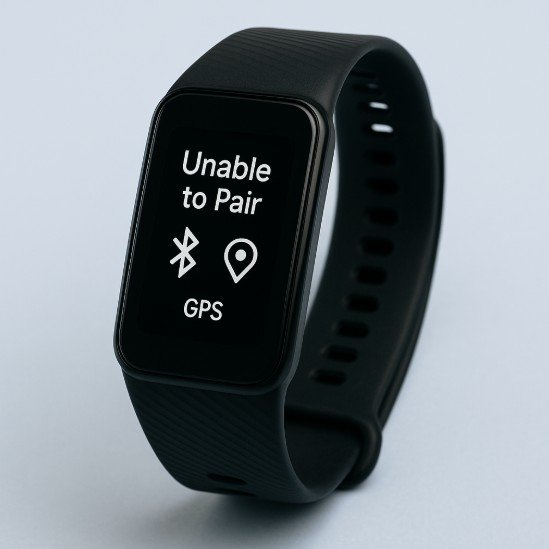
How to Fix GPS Connectivity Issues on Your Fitness Tracker
Learn how to fix GPS connectivity issues on your fitness tracker and improve route accuracy, pace tracking, and workout insights. If your fitness tracker shows zig-zag routes, delayed tracking, or fails to lock GPS altogether — you’re not alone. In 2026, even the most advanced wearables packed with AI-driven health monitoring, ECG monitoring, and Bio-sensors […]
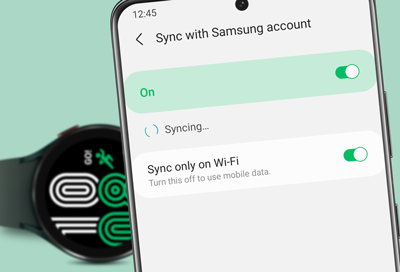
Troubleshooting “Sync Failed” Errors Between Watch and Smartphone
If your smartwatch keeps throwing a frustrating “Sync Failed” error, you’re not alone—and more importantly, you’re not stuck. In 2026, wearables have evolved into powerful health companions with advanced Bio-sensors, ECG monitoring, SpO2 tracking, and Heart Rate Variability (HRV) insights. But all that innovation depends on one thing: reliable syncing between your watch and smartphone. […]
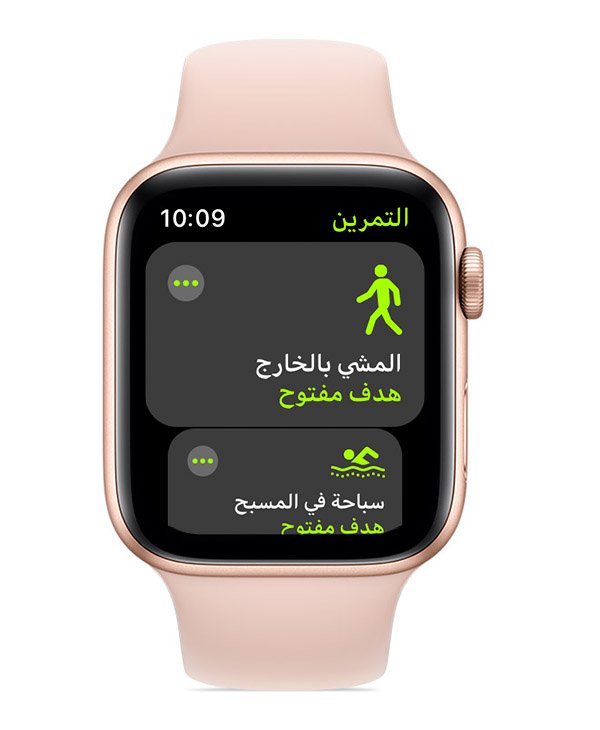
Why Your Smartwatch Step Counter Is Inaccurate (and How to Fix It
Discover why your smartwatch step counter is inaccurate and learn proven fixes to improve tracking accuracy and fitness insights. If you’ve ever looked at your smartwatch and thought, “There’s no way I walked that many steps…” — you’re not imagining things. Step counters can be surprisingly inconsistent, even on premium devices. Look, I’ve worn devices […]
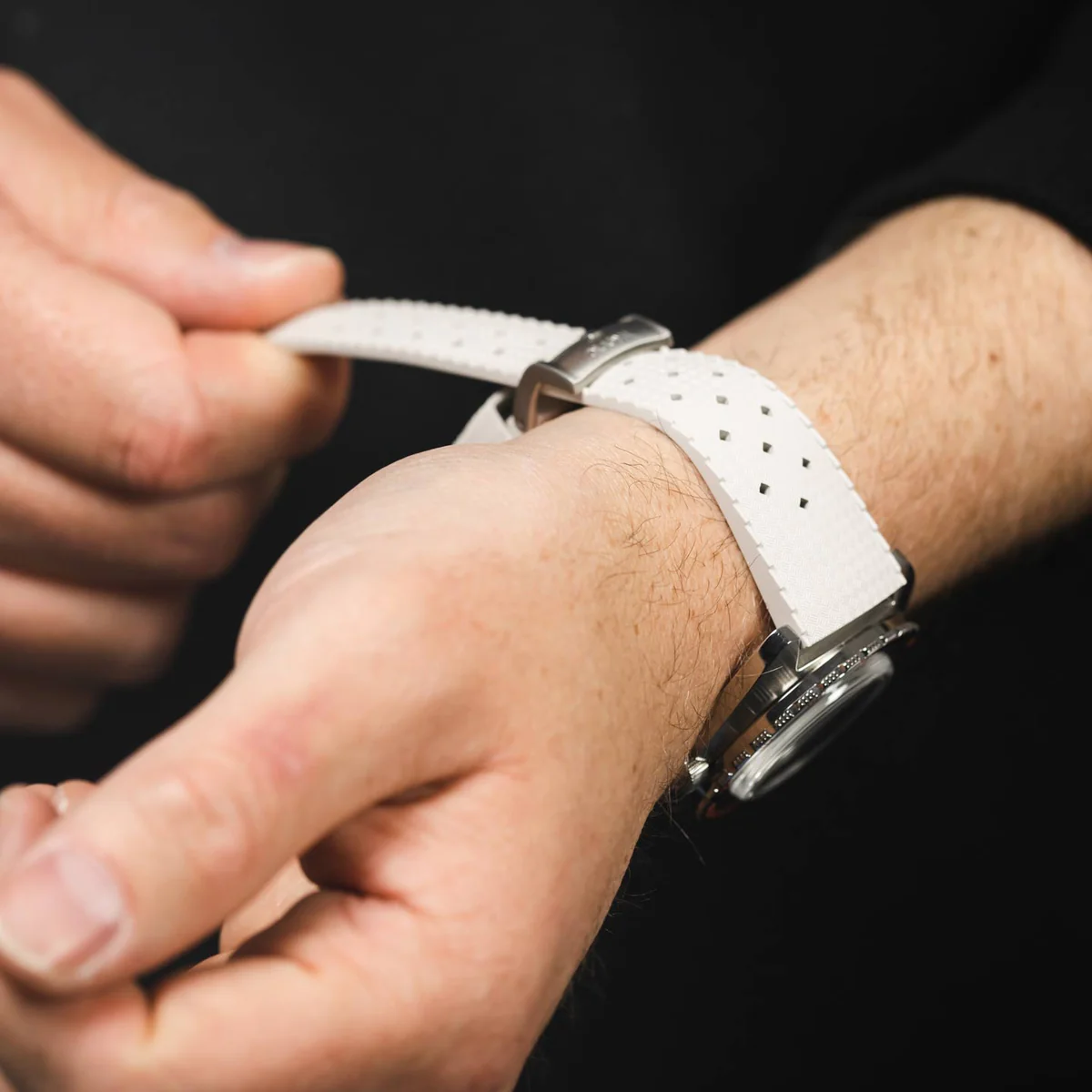
How to Clean Your Smartwatch Band to Avoid Skin Irritation
If your wrist ever gets itchy, red, or uncomfortable after wearing your smartwatch, you’re not alone. In 2026, with people wearing devices 24/7 for ECG monitoring, Heart Rate Variability (HRV), SpO2 tracking, and AI-driven Bio-sensors, skin irritation has become one of the most overlooked wearable tech problems. Look, I’ve worn devices like the Apple Watch […]
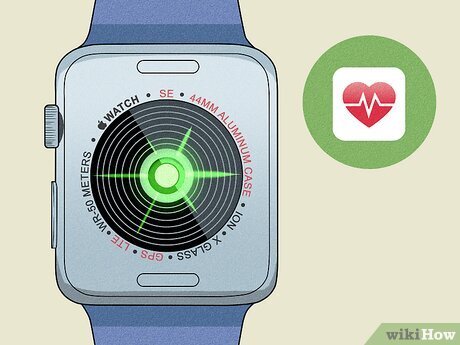
Troubleshooting “Green Light” Sensor Issues on Smartwatches
If your smartwatch’s green light sensor isn’t working properly, your entire health tracking experience can fall apart. From inaccurate heart rate readings to missing Heart Rate Variability (HRV) data, these issues directly impact your fitness decisions. Look, I’ve worn multiple smartwatches for two weeks straight so you don’t have to guess—and I can tell you […]
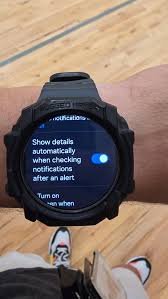
How to Troubleshoot Notification Delays on Your Smartwatch
If your smartwatch notifications are arriving late—or worse, not at all—you’re missing one of the most important features of wearable tech. In 2026, smartwatches are no longer just fitness trackers. They’re real-time companions delivering alerts, health warnings, and critical updates tied to ECG monitoring, SpO2, and Heart Rate Variability (HRV) insights. Look, I’ve worn this […]
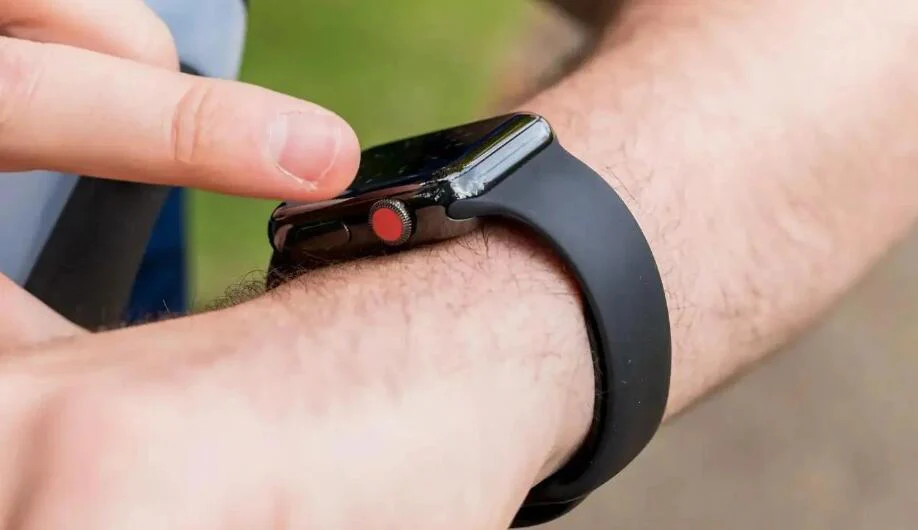
How to Fix a “Frozen” or “Unresponsive” Smartwatch Screen
A frozen smartwatch screen can instantly kill your workflow—and your fitness momentum. Whether you’re tracking a workout, checking HRV trends, or reviewing sleep data, an unresponsive display turns a powerful wearable into a frustrating brick. Look, I’ve worn this watch for two weeks straight so you don’t have to guess—and here’s the truth: most frozen […]